

ReveD / RG-RVXBL / REVOX Steering Gyro for RWD Drift / Blue
ReveD / RG-RVXBL / REVOX Steering Gyro for RWD Drift / Blue
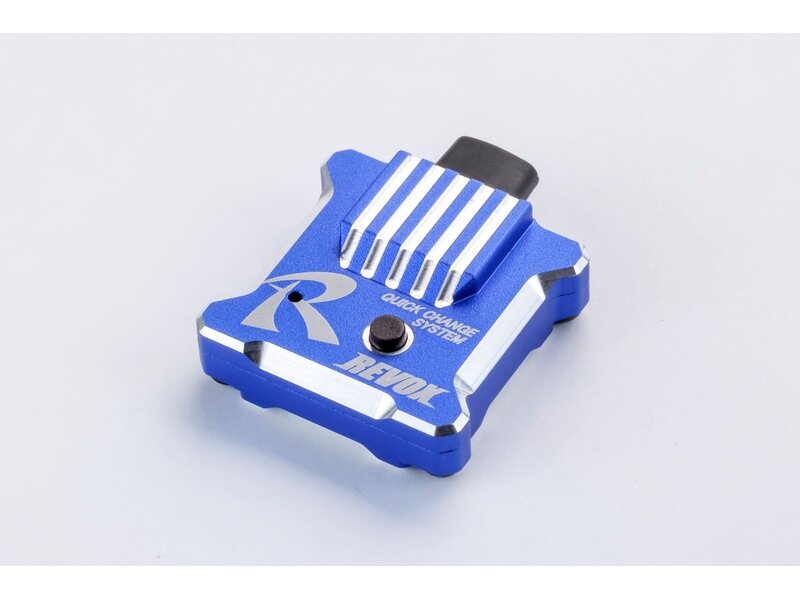
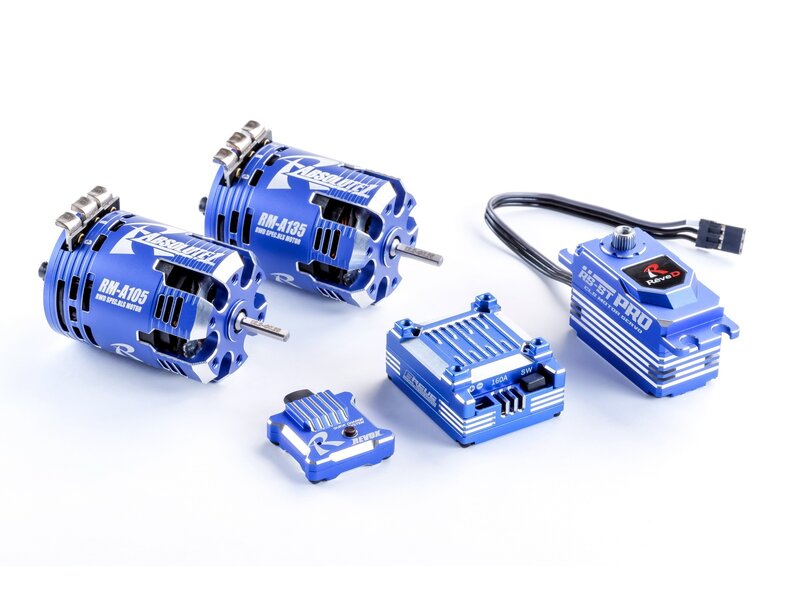
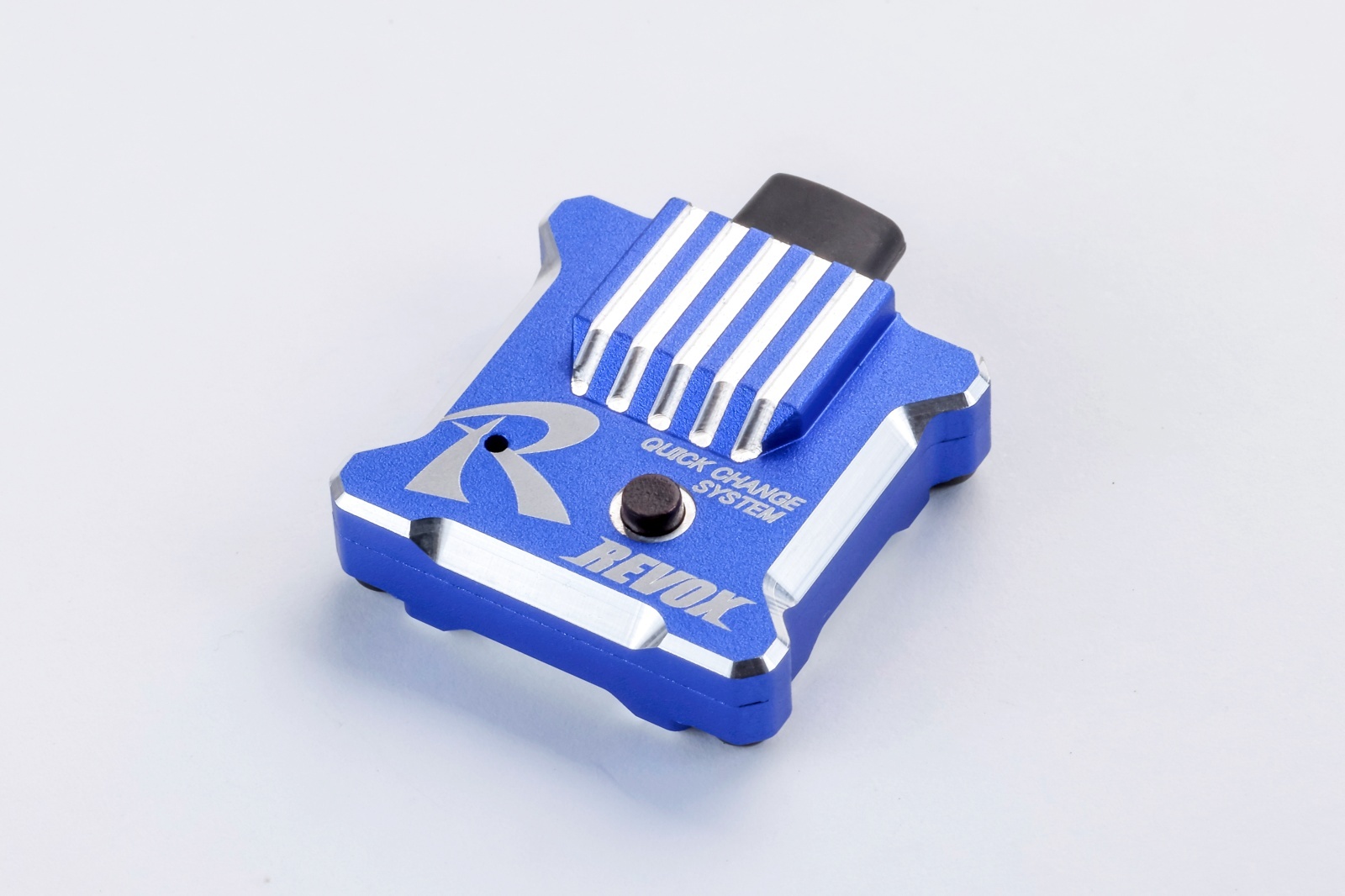
This is the 2026 limited edition blue version of the “REVOX” gyro, specifically designed for RWD drift servos!
*This product is a limited edition item for 2026, with orders accepted until April 24, 2026, and released in August.
Please make sure you place your pre-order before April 22nd. Then we make sure we place correct order at ReveD for correct quants April 23rd.
It Features a new function “Gyro curve setting” after repeated tests in various situations with many different drift specific servos over a long period of time, it can change the initial curve value in 6 stages according to skill, track surface conditions, track layout and so on.
The optimum setting is easily made by clicking the setup switch.
You can enjoy RC Drifting in several stages!
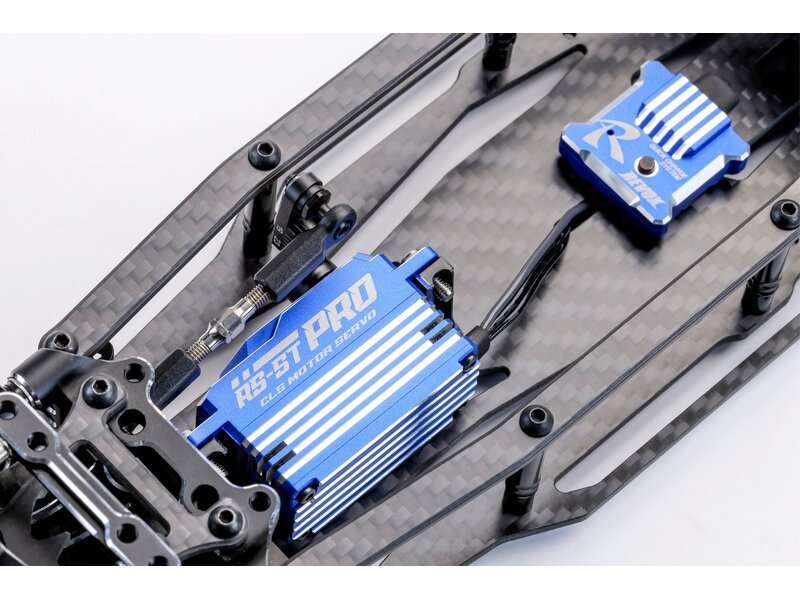
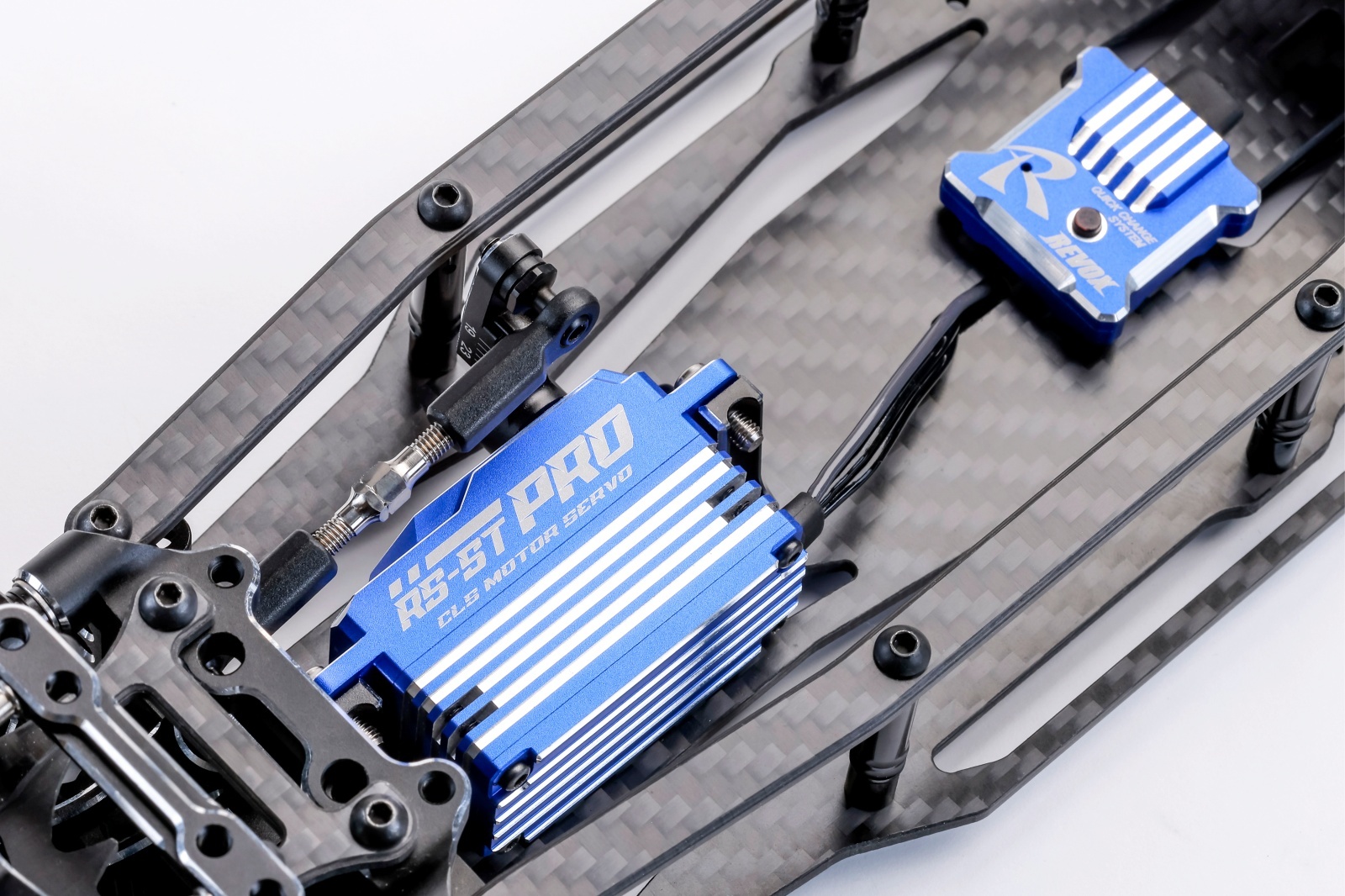
The stylish aluminum case, which greatly simplifies the switches, has a lightweight and compact design and can be installed in a small space.
A pair of setup switches and LEDs can be used to set all of the “gyro curve functions “endpoint function” and “reverse switching”.
Please experience the state-of-the-art gyro “REVOX” that has both the ultimate in manoeuvrability and flexibility.
Satisfying beginners and advanced users with ease of setup control!
Product features:
- Gyro curve functions:6 stages
- Endpoint function
- Reverse switching
- Gain adjustment :width 0 to 100
setting items:
- This product can be used exclusively for radio sets that have3ch or more
- Set the EPA for transmitter 1ch (steering) to 55 or higher.
- Set the EPA for transmitter 3ch to 100.
(Although the instruction manual attached to our RS-ST servo states that 3ch EPA is recommended for 110 to 120, set EPA to 100 when using REVOX)
REVOX manual
Click this banner to see the REVOX manual.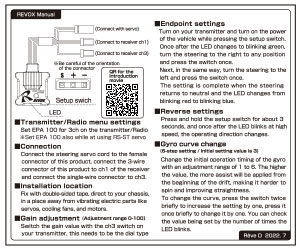
REVOX product explanation video
Click this banner to see a video explaining how to use REVOX.
Please click the below “DOWNLOAD Button” to download the software on the Windows PC.

【If you can’t download(1)】
Generally, if it is displayed that it cannot be downloaded, you can download it by trying another way, Other action ⇒ Save ⇒ Detailed display ⇒ Hold Other action button is located at next to the delete button in the download display.
【If you can’t download(2)】
Click below to decompress the download data and use it.
ReveDConfV1.16
